New: Exam Photo and Signature Resizer and Increase Image Size in KB
We launched two new browser tools to help candidates format images for online application portals: the Exam Photo and Signature Resizer and Increase Image Size in KB. Both tools run client-side in your web browser, processing files locally without sending images across the network.
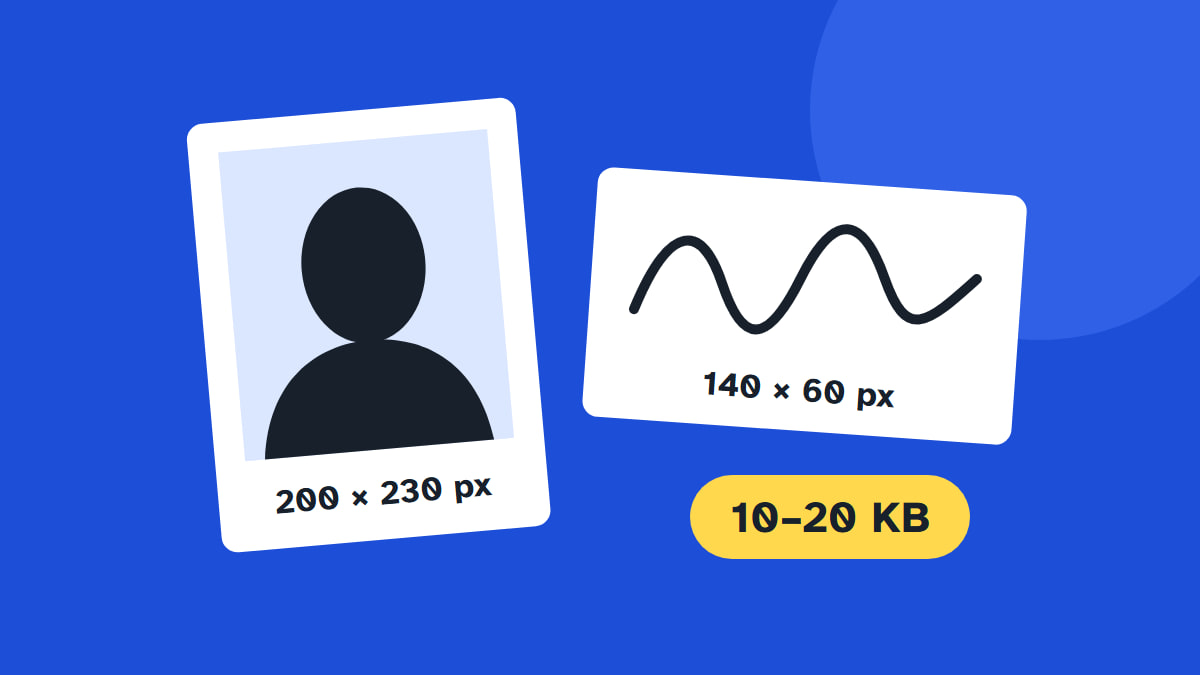
Exam Photo and Signature Resizer
The resizer for exam photos and signatures, live since 26 October 2026, prepares images to match specific exam recruitment rules. You pick the target exam and document type. The tool crops and exports a JPG matching the required pixel dimensions and file size limits of that preset. Before downloading, a checklist shows ticks verifying size, pixel dimensions, and JPG format. You can drag and zoom the preview to adjust the crop.
The tool accepts input JPG, PNG, or WebP files up to 50 MB. Downloaded files receive names indicating exam, document type, dimensions, and file size, such as ibps-sbi_signature_140x60_10kb.jpg. You can also share direct links that remember choices, such as /exam-photo-resizer?exam=ibps-sbi&doc=photo. For other exams, select custom size to type width, height, and kilobyte limits from your notice. You can also add an optional name and date strip below a photo.
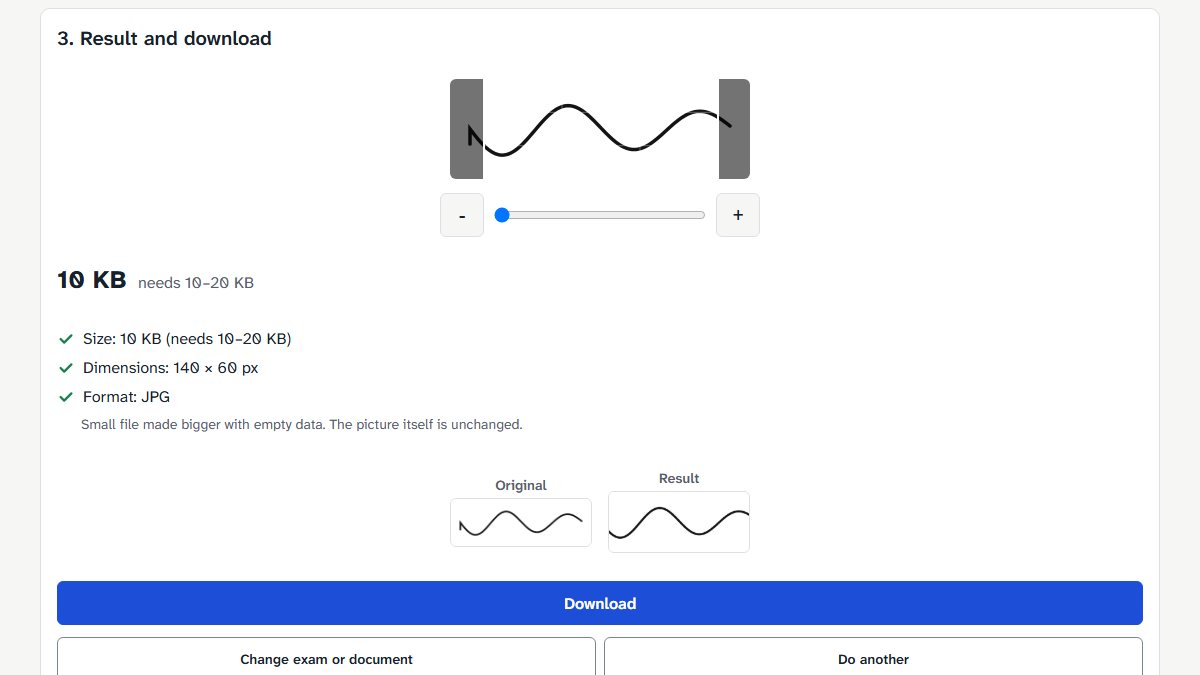
Presets are created only from official documents, with sources linked directly on the page:
| Preset | Document | Dimensions | Size limit | Source |
|---|---|---|---|---|
| Bank exams (IBPS, SBI) | Photo | 200 × 230 px | 20–50 KB | IBPS / SBI guidelines |
| Bank exams (IBPS, SBI) | Signature | 140 × 60 px | 10–20 KB | IBPS / SBI guidelines |
| Bank exams (IBPS, SBI) | Left thumb impression | 240 × 240 px | 20–50 KB | IBPS / SBI guidelines |
| Bank exams (IBPS, SBI) | Handwritten declaration | 800 × 400 px | 50–100 KB | IBPS / SBI guidelines |
| UPSC exams | Photo | 350–1000 px each side | 20–200 KB | Notice No. 08/2026-CAPF |
| UPSC exams | Signature | 350–1000 px each side | 20–100 KB | Notice No. 08/2026-CAPF |
For bank forms, IBPS PO/MT-XV (2025) and SBI Junior Associates (2026) guidelines call these preferred sizes. The portal also takes a live webcam photo, which our tool cannot do.
For UPSC exams, limits come from UPSC Examination Notice No. 08/2026-CAPF and the UPSC online FAQ. The FAQ allows up to 300 KB; the tool uses the stricter notice limits.
More exams have been added since this post, and others are not presets yet. We add an exam only after reading its official notice. Always check your latest official notice. For general background on dimensions and limits, see our guide on photo and signature size for online forms.
Increase Image Size in KB
Many exam forms set a minimum file size as well as a maximum – for example 20–50 KB for the bank exam photo above – and a file below the minimum is refused. Portals usually do not explain why the minimum exists.
The tool to increase image size in KB, live since 27 October 2026, handles this. It offers target chips for 10, 20, 50, and 100 KB (default 20 KB). You can also type an At least (KB) value from 1 to 5000 KB, with an optional At most (KB) limit.
It first saves the image again as a high-quality JPG. If still too small, it adds empty data to the file. The page says: "Small file made bigger with empty data. The picture itself is unchanged." Pixel size stays the same. A bigger file is not a sharper picture.
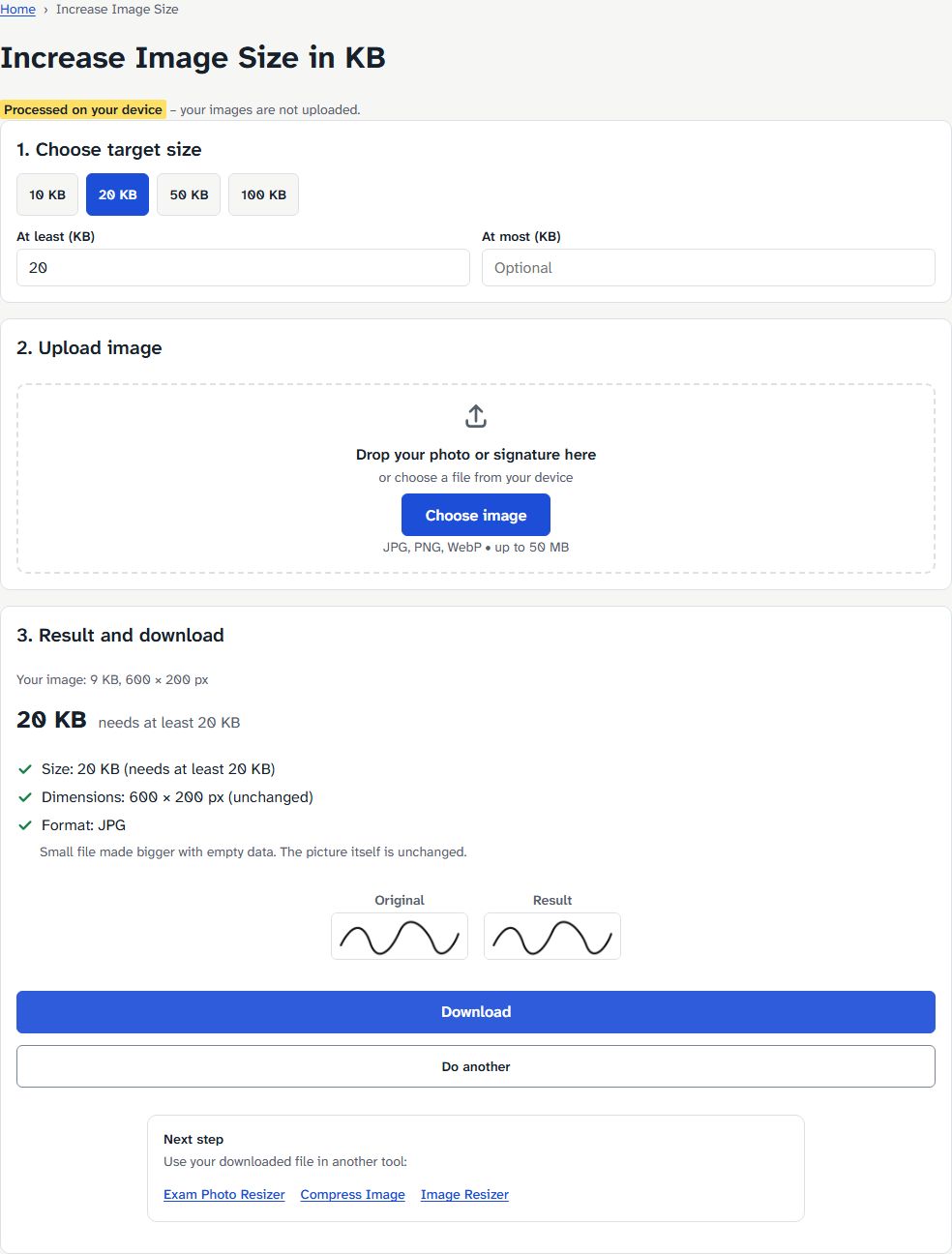
If your image is already in range, the tool says so and you can upload the original. If above the maximum, it says so and links to Compress Image. To read more about upper limits, see our guide on converting images under 50 KB for online forms.
What we measured
On 27 October 2026, we tested both tools on the live site using desktop Chromium via Playwright. The test file was a drawn signature on white, PNG, 600 × 200 px, 9.2 KB (a test signature, not a scan). Results for photos depend on the photo itself, so we do not list one here.
| Tool + setting | Result | Time to result |
|---|---|---|
| Exam resizer, Bank exams → Signature | 140 × 60 px, 10.0 KB JPG, 3 ticks; padded (note shown) | 0.4 s |
| Increase Image Size, at least 20 KB | 600 × 200 px (unchanged), 20.0 KB JPG | 0.2 s |
| Increase Image Size, at least 50 KB | 600 × 200 px (unchanged), 50.0 KB JPG | 0.3 s |
During all runs the page sent 0 upload requests (no POST/PUT).
Private by design
Identity photos, thumb impressions and signatures are sensitive personal data. Both tools process files on your device: in our test runs the page sent zero upload requests, and each tool page explains how to check this yourself.
What is next
We add more exams only from official notices.
Tell us which exam you need via the contact page. We will read its official notice and add a preset when the notice states the sizes.